Understanding User Needs
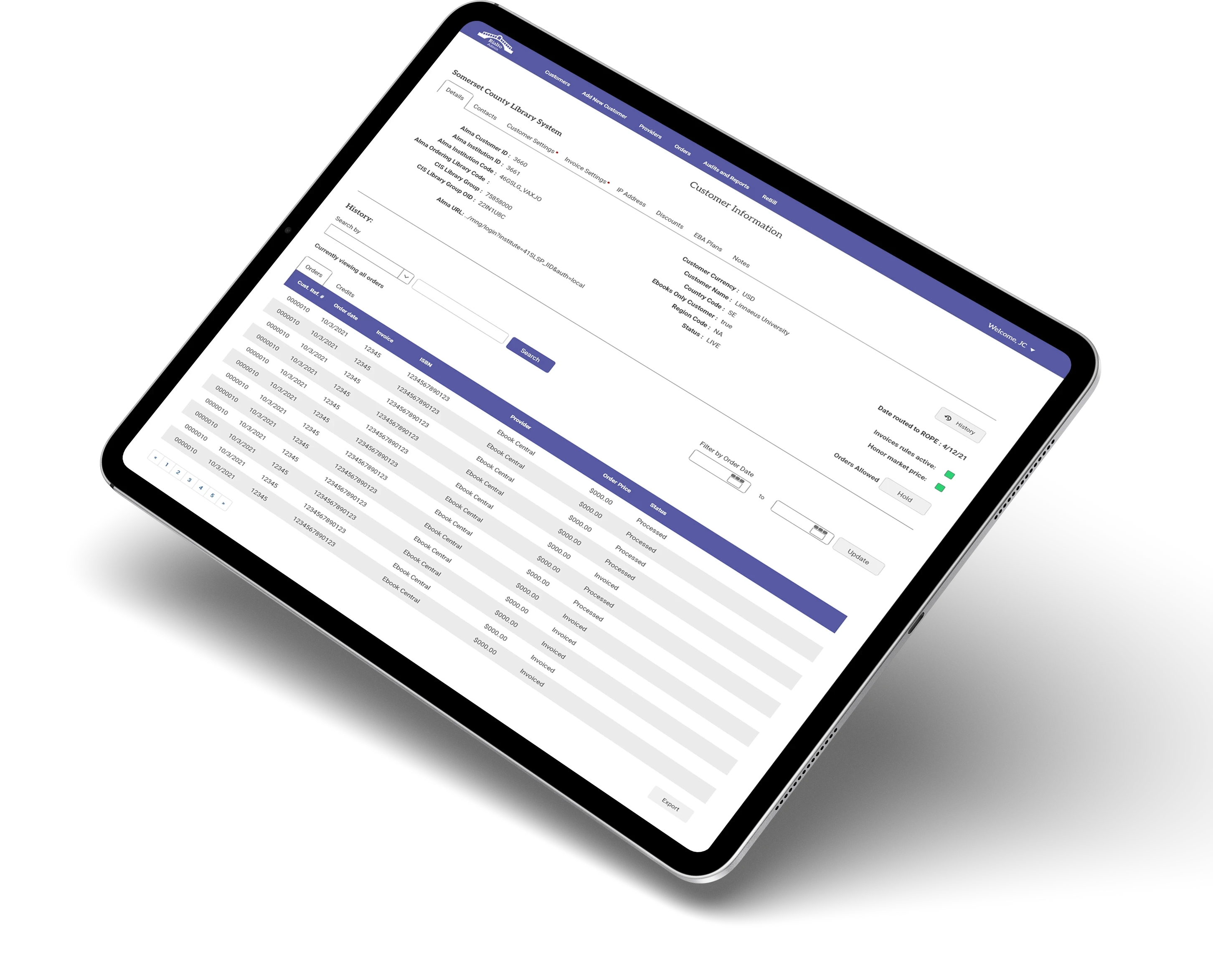
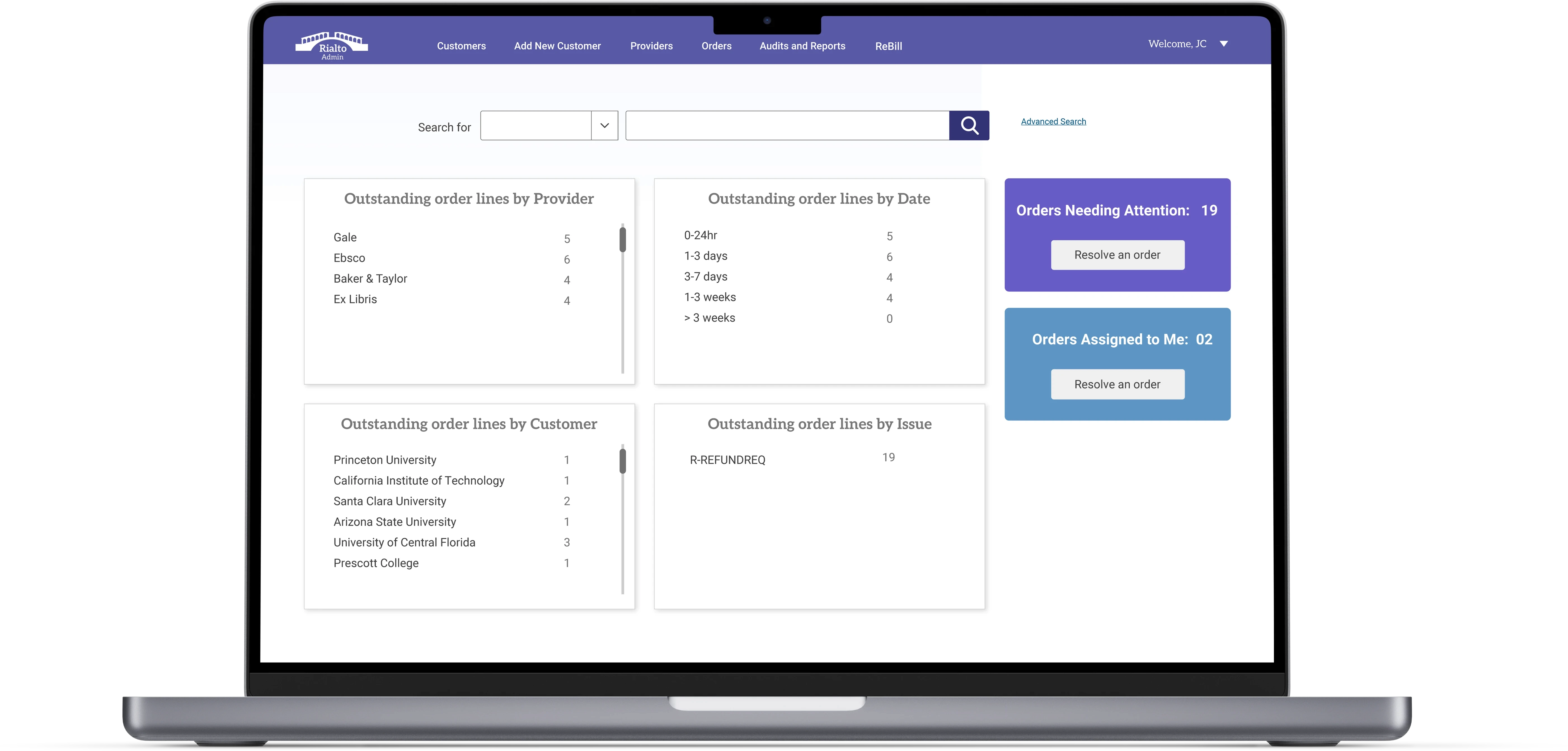
User research sessions and interviews with the customer service representatives guided me to what information was most important and what information needed to be grouped together to help them resolve customer service issues quickly and efficiently.
I would design a page based off of my conversations with them, walk through it with them, then allow the them to work through a scenario on their own over the course of two weeks. This usually revealed an issue, either a needed data field, or they may have wanted access to information with fewer clicks, or to be able to see two data fields side by side.

Information Architecture
I had many discovery conversations with our customer service reps to learn what data was important to see in one spot, or within a click, on each screen. I created low-fi prototypes, allowing them to work through scenarios to see if anything was missing. Even the location of the data on the screen was analyzed to see if it could help them work through a service ticket faster.


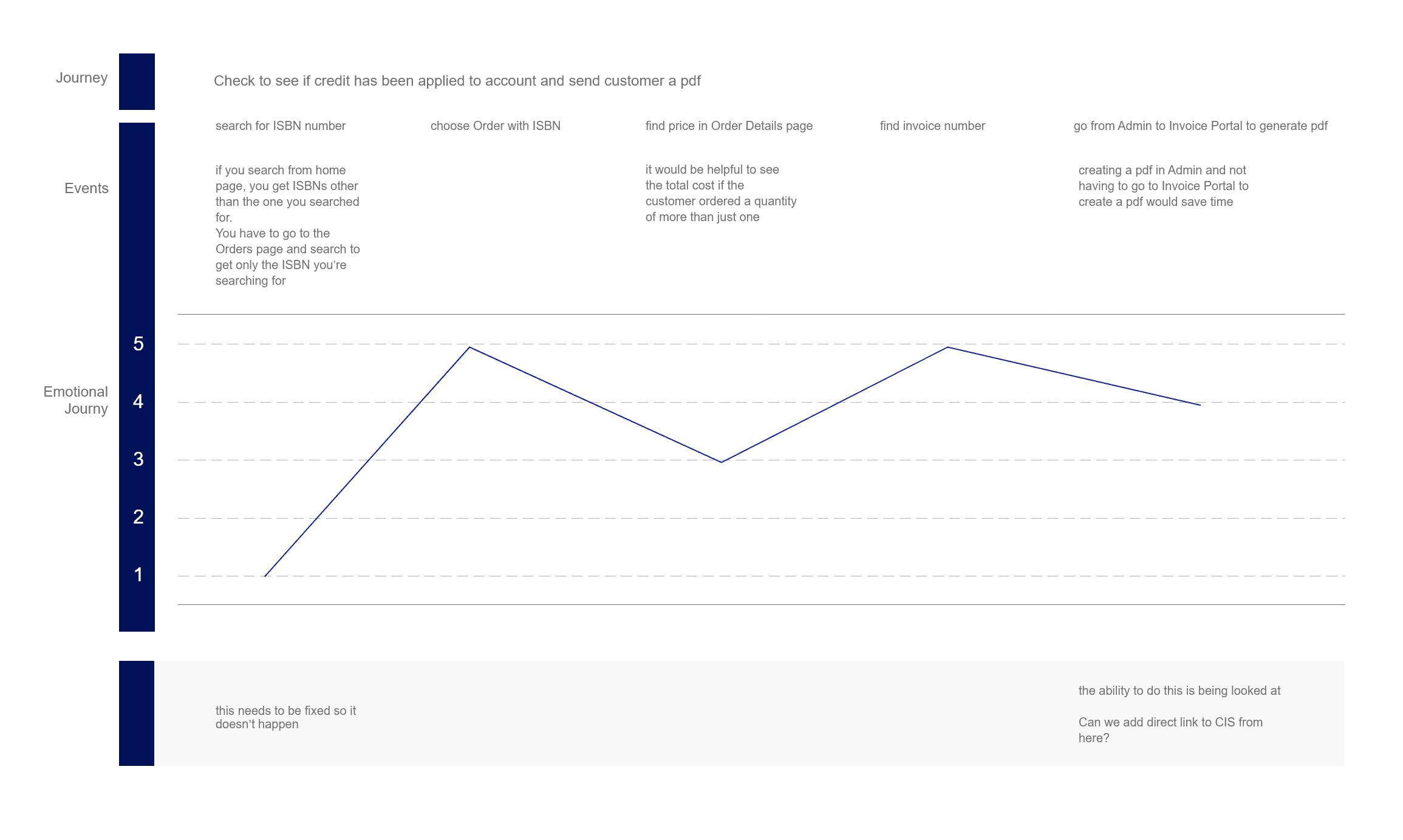
Journey Mapping Experiences
After the customer service reps had a chance to spend time in the prototypes, I discussed their experiences performing the tasks they typically did, then mapped their experiences. From this, revisions were made to the screens as needed until processes were improved to the point that they met the approval of the customer service reps.

The all new Rialto Admin