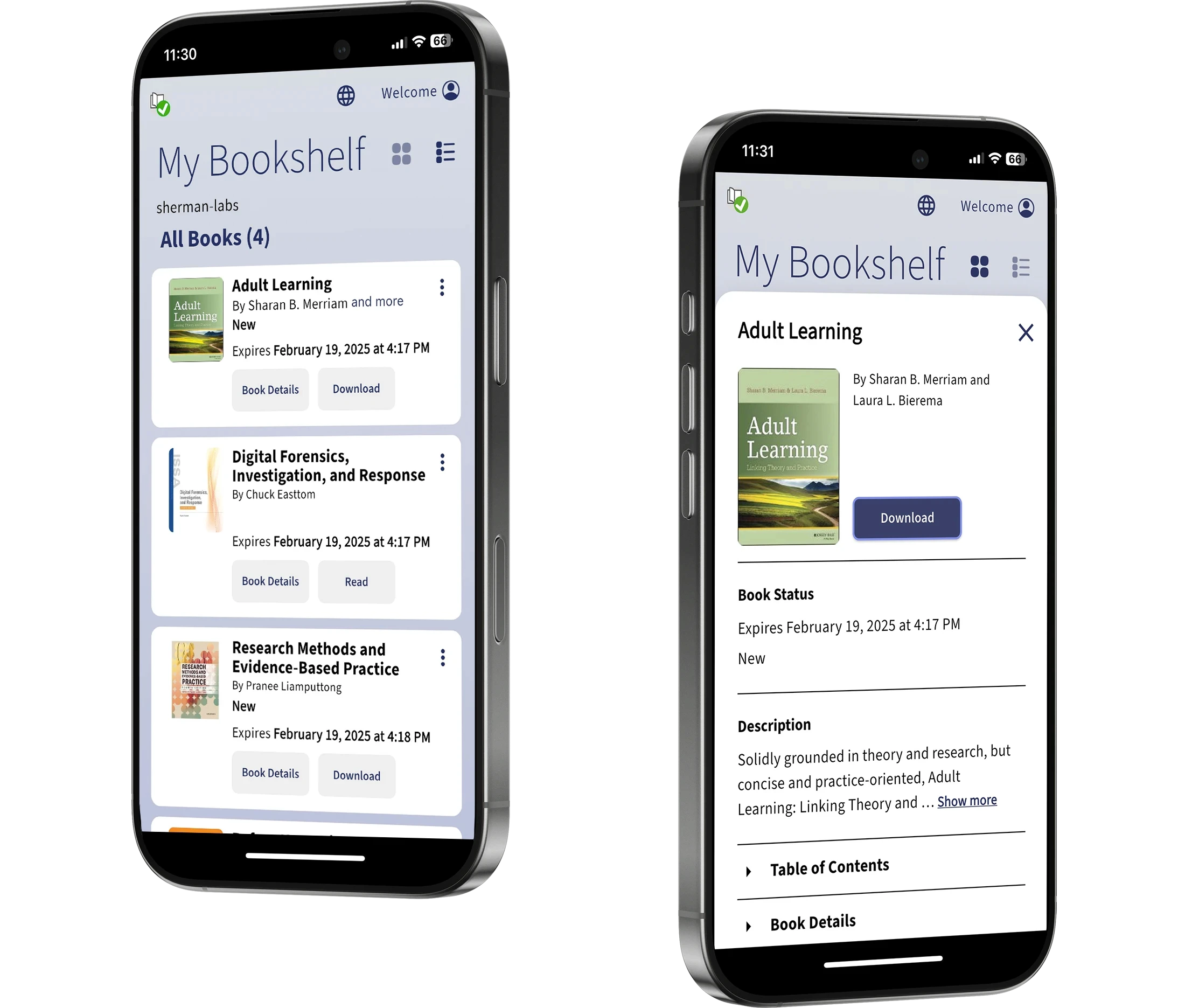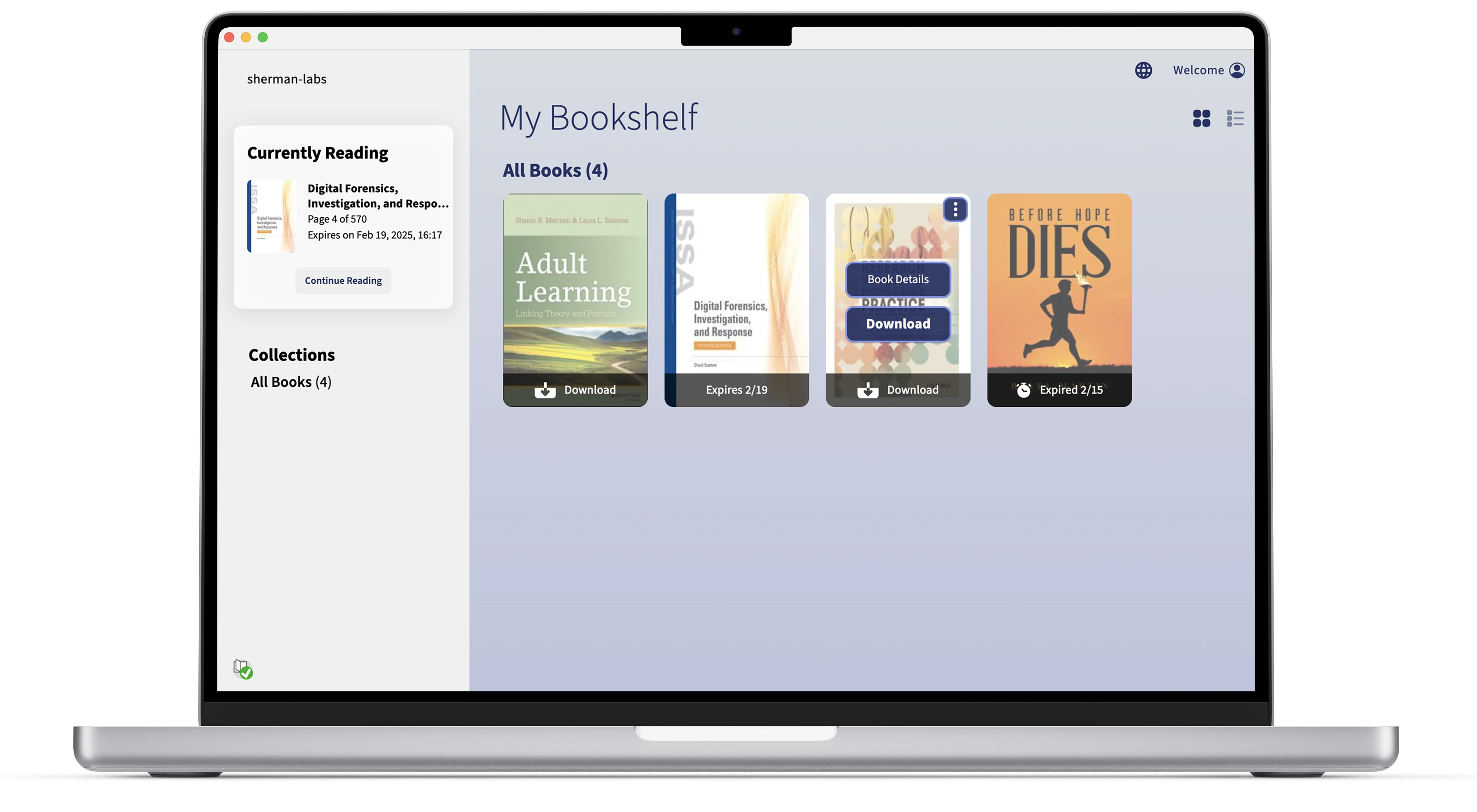
Patrons of Ebook Central had to use a 3rd party ebook reader to read on their books outside of the web platform. That 3rd party app had security flaws that made pirating ebooks possible, causing a loss in revenue. The goal was to create an all-new ebook reader app in-house that worked as an extension of the Ebook Central web platform, but provided higher levels of security to prevent piracy.
Competitor Analysis
I reviewed some of the top ereader apps to understand what features users might expect, as well as what I felt was missing.

Research and Refinement
User research was performed on the initial design, and some areas that needed improvement came to light. I asked each participant to rank the tasks and processes they were asked to do from 1 to 7, with 7 being the easiest, or most favorable. Three rounds of testing were performed in total.

Users had to register and link their app to their Ebook Central account. To do that, they needed to log into their account and generate a code. Testers were having a hard time figuring out where to get the code at first.
Solution: First, I rewrote the copy on the registration page to be shorter and more direct, then I improved the layout of the Profile page on Ebook Central to be cleaner and easier to read (right).

Some users also showed some confusion with the difference between removing a book from a collection and deleting the media from their device. In wanting to keep the menu text to a minimum, we simply listed "Remove" and "Delete" in the contextual menu at first, which showed to be a mistake.
Solution: Adding a full phrase so they read "Remove from Collection" and Delete Download" (far right) proved to test much better in following tests.

Key Features
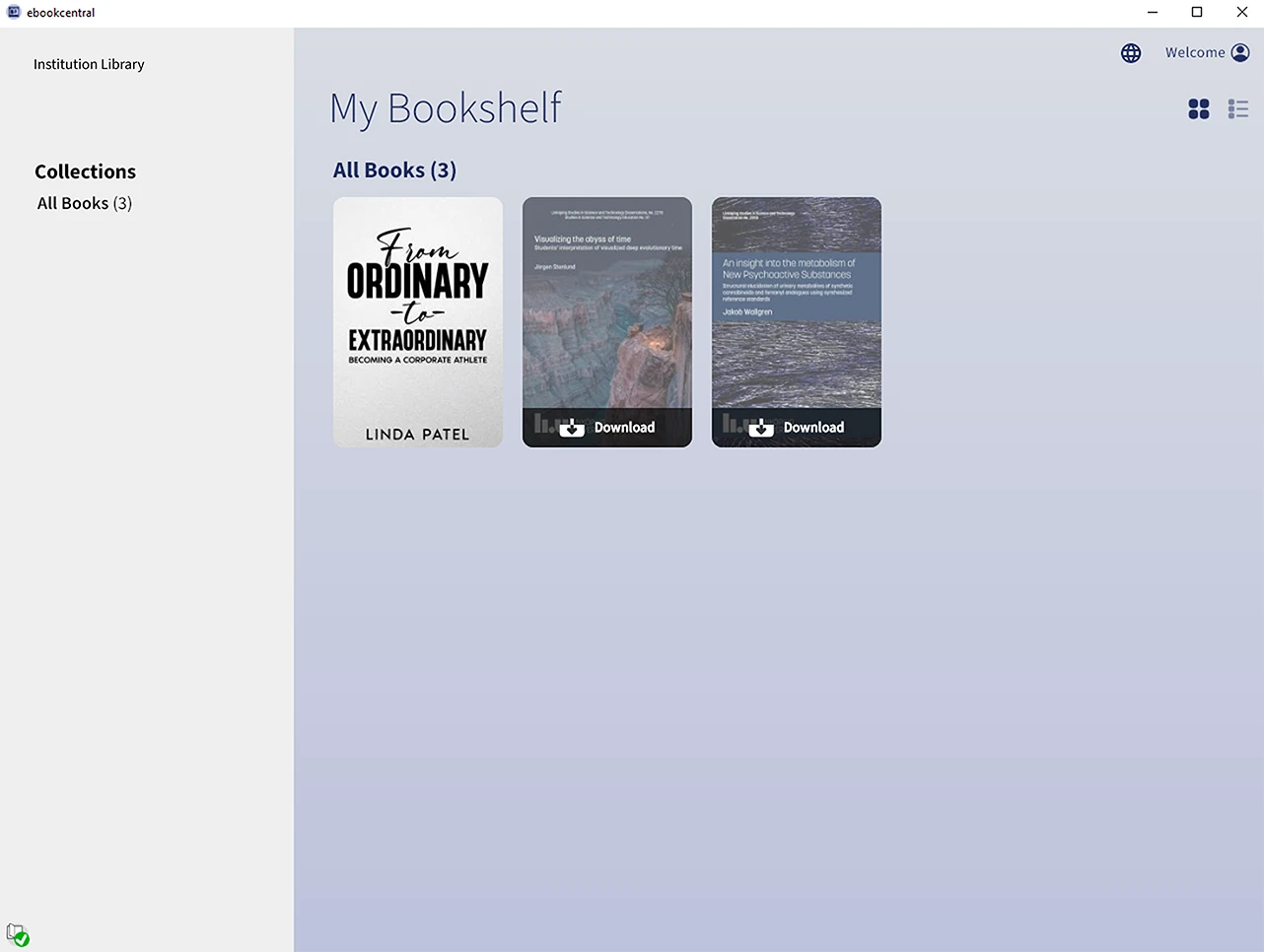
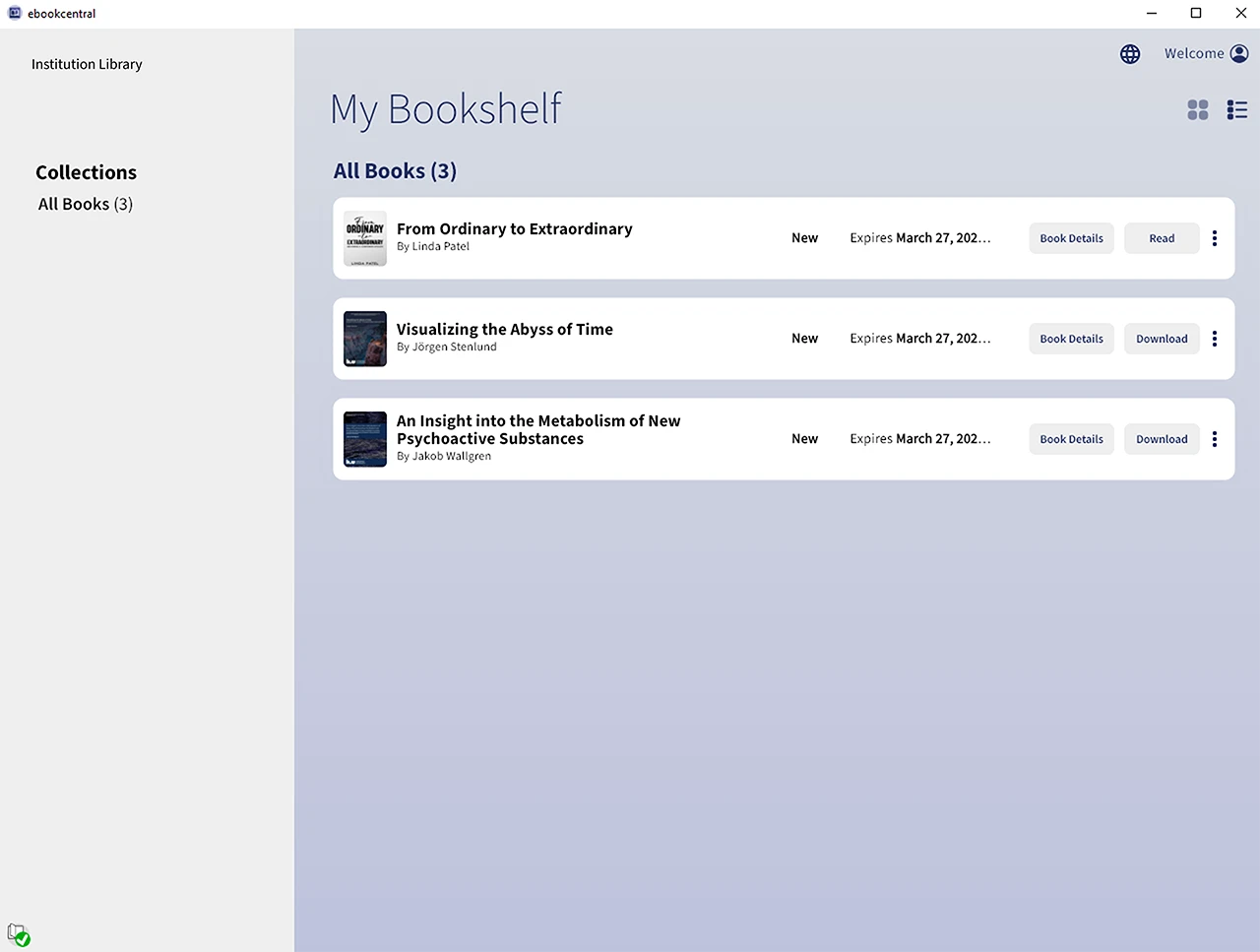
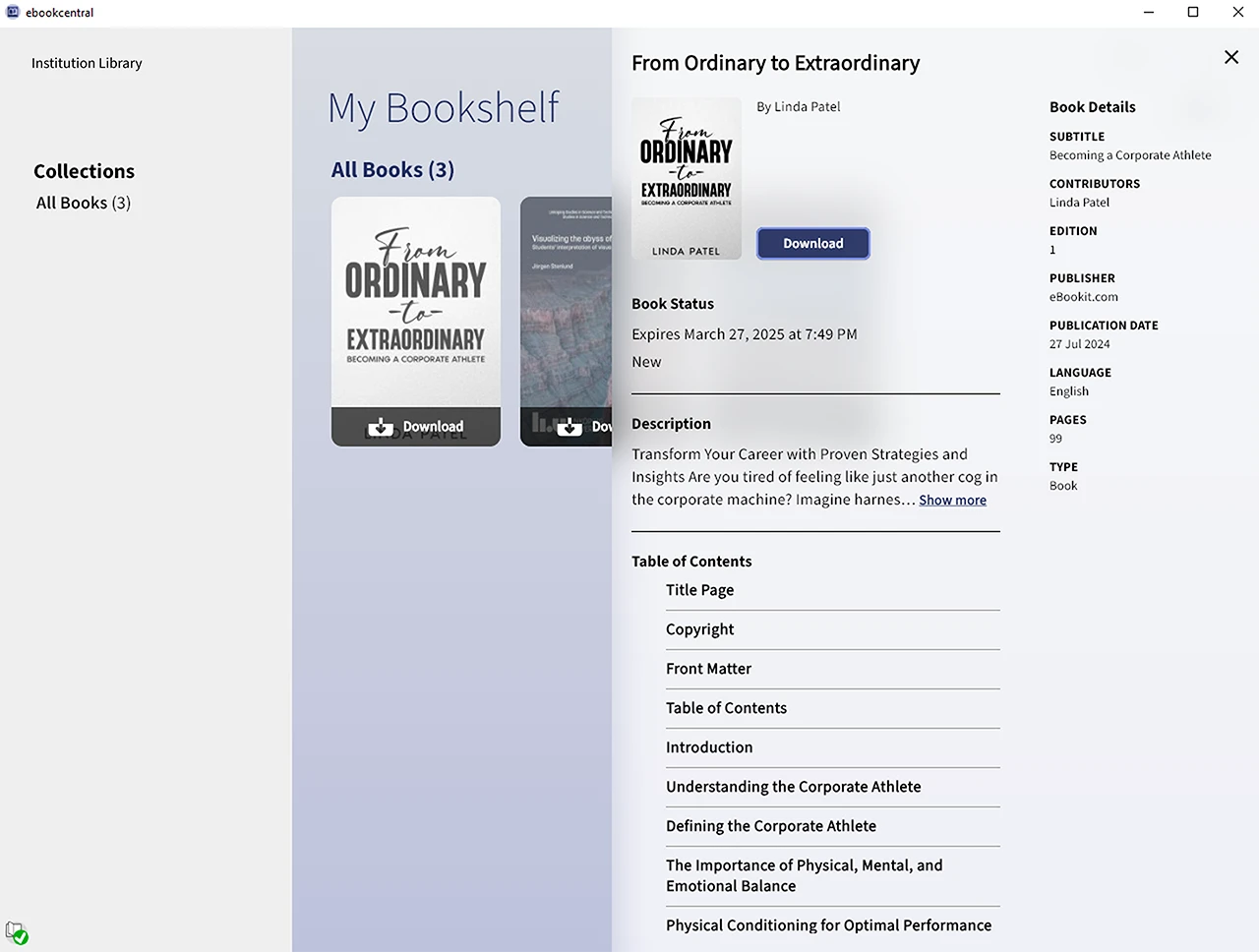
In the reader, features such as citation (top), and a comprehensive search tool (center) which gave the user some context as to how the word was being used, instead of just listing where in the book the word appears. Note taking was also important to include according to test users, and the inclusion of these features tested high during test sessions.


The Ebook Central Ereader
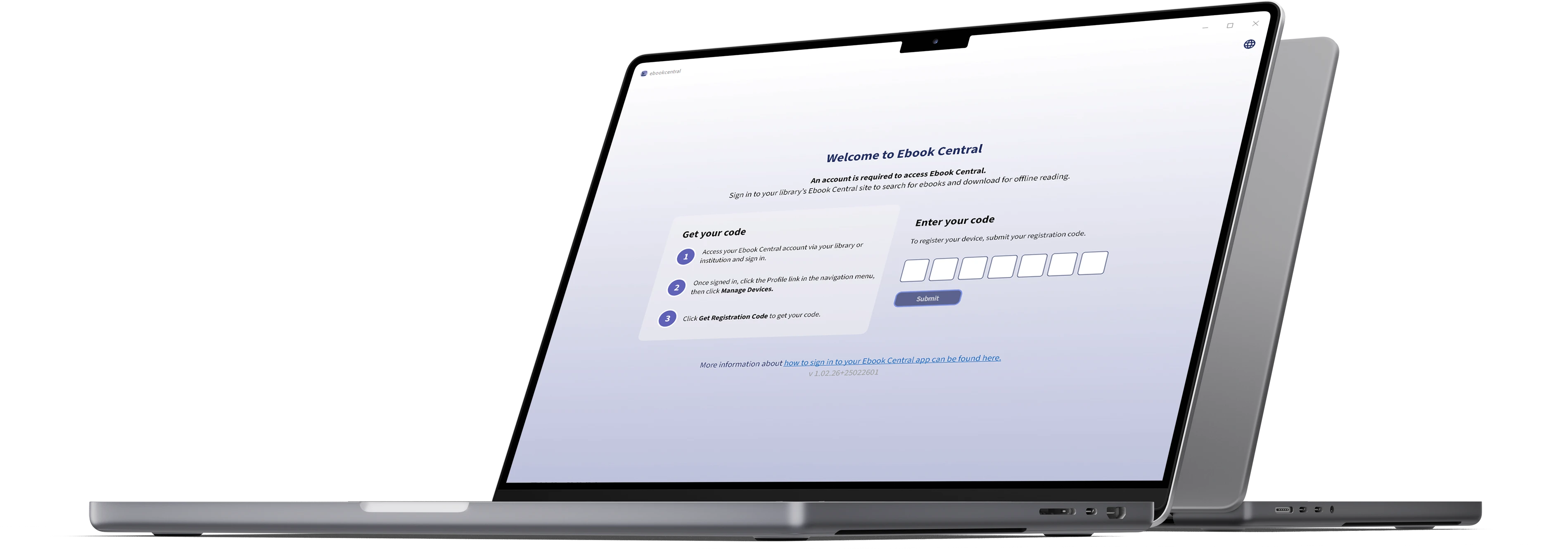
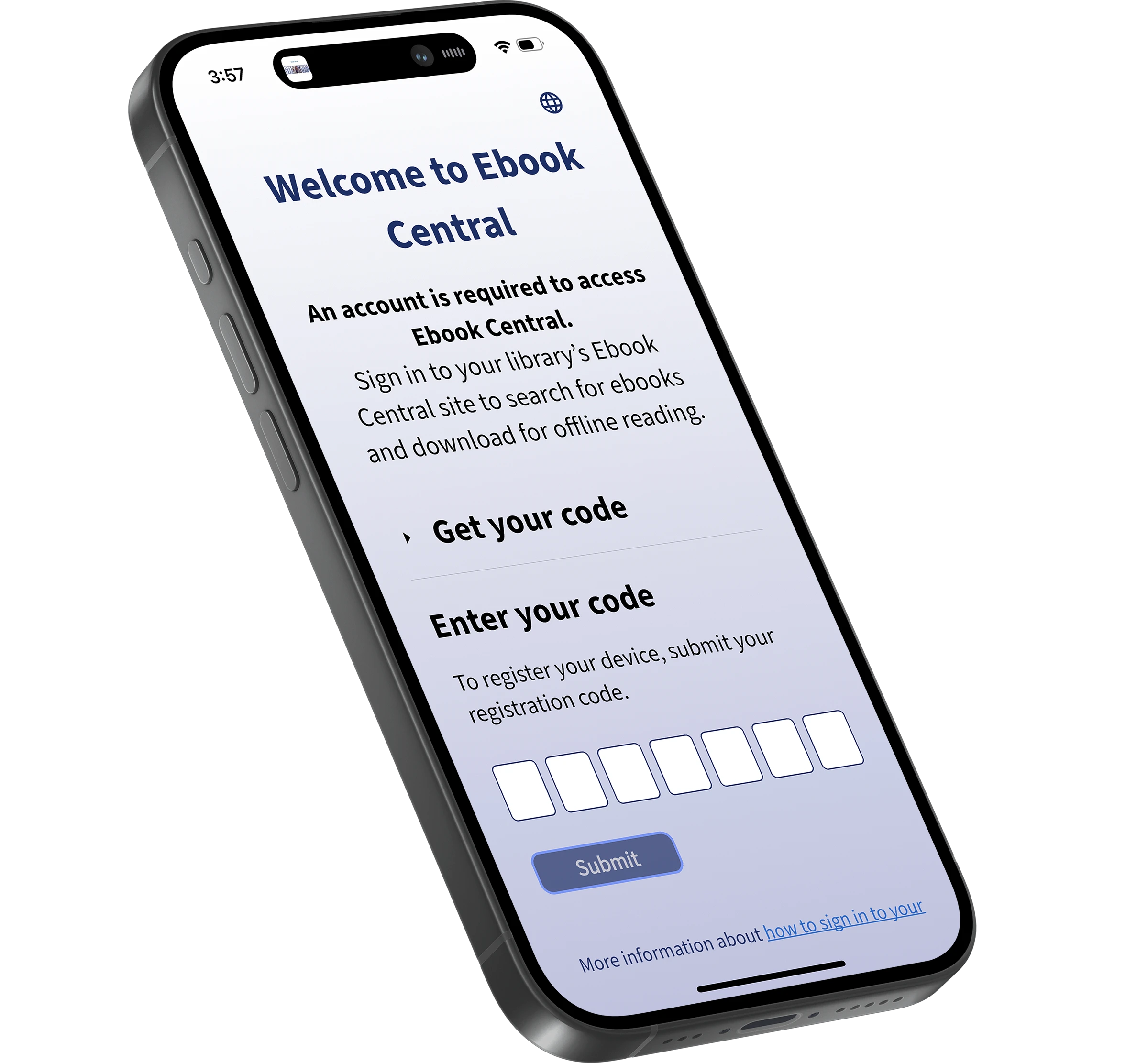
The registration process had to be straightforward while allowing ProQuest to meet its security requirements. Only users who have an Ebook Central account through their institution can register and use the app. Users logged in to their account, generated a code via their user profile, then used that code to register the app.